
19/10/2026 19:55
Who Can Post the Sale? Telegram Admin Permissions for Cambodian Ceramics Shops

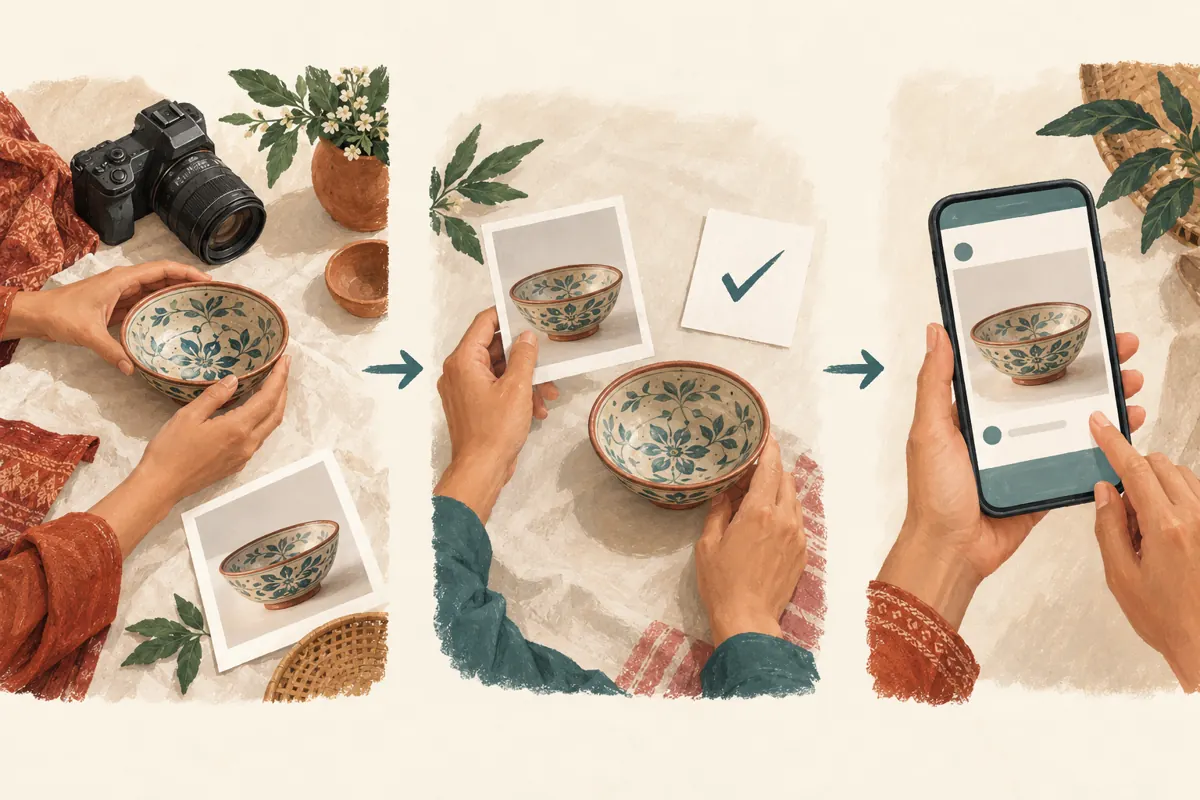
A temporary marketing helper can photograph new bowls, prepare captions and keep a ceramics sale moving while the shop owner serves customers. The difficult question is how much control that helper needs over the shop’s Telegram channel. Publishing an approved announcement, changing the channel’s identity and appointing another administrator are different responsibilities. This guide uses a hypothetical Cambodian ceramics shop to explain how to define the job, choose appropriate permissions, review the first publication and close access afterward. It also explains where an SMM panel request belongs in that process, without treating purchased activity as evidence of customer demand.
1. Describe the assignment before opening the settings
In this hypothetical example, a Phnom Penh ceramics shop hires a helper for a weekend sale. The helper will prepare photographs of serving bowls, write draft captions and publish announcements after the owner checks stock. The owner will answer questions about wholesale quantities, approve discounts and confirm collection arrangements. Writing these responsibilities down takes only a short note, but it prevents the phrase “manage our Telegram” from becoming an unlimited assignment.
Make the note concrete: name the channel, identify the person approving each announcement, specify the products involved and set an access review time. Include the language expected for customer-facing captions. A helper preparing English drafts may still need a Khmer-speaking reviewer before publication. If the task ends when the final collection notice is posted, say so; do not leave access tied to an undefined promise to help again.
2. Decide whether the helper needs administrator access at all
Someone who photographs products or drafts captions can send those materials to the owner without becoming a channel administrator. Choose that arrangement when the owner can publish promptly and the helper has no independent publishing duty. It keeps the working process simple: the helper prepares a complete announcement, and the owner checks and posts it.
Administrator access becomes relevant when publishing itself is part of the assignment. Telegram’s Channels FAQ confirms that owners can appoint and remove administrators and configure individual administrator rights. Use that capability deliberately. Ask which work would actually be blocked without access. If the answer is only “it would be convenient someday,” keep the draft-and-review arrangement for now. A busy sale does not automatically require every participant to hold a publishing role.
3. Match permissions to specific work
Telegram documents separate rights for posting channel messages, editing other administrators’ messages, deleting other administrators’ messages and adding administrators. Other rights cover activities such as changing channel information, managing livestreams and posting stories. These distinctions matter: a helper publishing approved pottery photographs does not automatically need responsibility for the channel’s identity or its administrator list.
Open the channel’s management settings and locate its administrator controls; labels and layout can vary between apps. Select the intended person and review every available permission before saving. For this hypothetical assignment, start with the posting responsibility and leave unrelated controls disabled. Discuss any additional right in terms of a named task. Also recognize that a limited administrator role is not a sealed drafting space: Telegram documents administrative visibility, including access to logs and some channel information. If that visibility is inappropriate, keep publication with the owner.
4. Verify the person and record the access decision
Before assigning access, confirm the helper’s account through an established conversation or in person. A familiar display name or pottery-themed profile picture is not enough to resolve two similar accounts. Have the helper send a message in the conversation you already use, then check that the selected account is the same one. Do this before the rush begins, while both people can resolve a mistake calmly.
Keep a short internal record of the account, channel, enabled responsibilities, person authorizing access and review date. Record what you actually saved, rather than copying a generic role description. The helper should use their own account; sharing the owner’s login would defeat the purpose of assigning a separate role. A useful access note contains no login codes, passwords or unrelated customer information.

5. Build a human approval step around each announcement
Permissions determine what someone can do technically. They do not decide whether a bowl is still available or whether a delivery promise is accurate. Establish a separate editorial routine: the helper submits the photograph and complete caption together, the owner approves that specific version, and the helper publishes it. Treat this as a working agreement, not as a built-in approval feature enforced by the permission switches.
For the hypothetical sale, the approval message should cover the bowl design, what the purchase includes, collection location and any delivery limitations. If the owner changes the collection instructions, return the revised full caption for confirmation. Avoid approving an image in one conversation and a price statement in another without bringing them together. The publication should be reviewable as one complete customer-facing message.
6. Check the first real post before expanding the workload
Prepare the first announcement while the owner is available. Confirm that the helper can complete the intended publishing task with the saved permissions. Do not test deletion or changes to channel identity on a live business channel. If a control needed for the agreed job is unavailable, inspect the role and the task before enabling a wider collection of permissions.
After publication, open the post as a reader and compare it with the approved draft. Check whether the correct bowl photograph appeared, the caption remained complete and the collection instructions are understandable on a phone. Then save the public post reference in the assignment note. This gives both people a concrete example of an acceptable publication and a destination they can discuss without confusing it with an unpublished draft.
7. Keep SMM service requests separate from channel control
The supplied angkorsmm.com catalogue includes the exact title “Telegram - 𝗔𝘂𝘁𝗼 Views ~ Instant ~ [𝗡𝗲𝘄 𝗣𝗼𝘀𝘁 / 𝗢𝗹𝗱 𝗣𝗼𝘀𝘁]”. Its wording identifies an automatic-view offering associated with new or old posts. The brief supplies no description, so the title alone cannot establish its operating requirements, timing, audience composition or results. It is not documentation of a publishing tool or an administrator-access requirement.
If the shop considers a panel request, review the current service instructions separately and identify the exact public destination involved. Do not grant channel control merely because someone is arranging promotion. Pause any unexplained request for administrator access until its purpose is understood. Purchased engagement does not establish genuine interest, Cambodian users, sales or advertising delivery. It also cannot correct a misleading caption or determine whether a helper’s publication followed the owner’s approval.
8. Give corrections a clear owner
Suppose, hypothetically, that the helper publishes an approved collection notice and the owner later discovers that one glaze is unavailable. Decide who will correct the post before two people start changing it. The helper should report the affected post and the inaccurate detail; the owner should confirm the replacement wording and assign the correction. Authority to publish should not become authority to invent replacement products or new commercial terms.
Telegram’s administrator log records recent relevant channel actions. Use it as an aid when investigating a change, alongside the approved draft and current public post. Do not treat it as a permanent archive or assume it preserves every detail needed for your business records. After correcting the announcement, check the visible result and record what changed. If a panel request references that post, review the implications using its documented terms rather than assuming an edit changes the request.
9. End the assignment with an access review
At the agreed review time, collect the remaining drafts, public post references and unresolved customer questions. Confirm whether any queued announcements still need attention. Then remove the temporary administrator role if the publishing assignment has ended, or reduce responsibilities to match a clearly defined continuing job. Reopen the administrator list afterward to verify the saved result.
Removing access is not a review of everything already published. Separately inspect sale posts that remain visible, especially notices involving availability or collection deadlines. Keep useful product information, and correct outdated commercial details where appropriate. Record the closure in the same assignment note used at the start. If the helper returns for another campaign, evaluate that new job before restoring access instead of automatically copying the previous permissions.
10. Avoid shortcuts that create unclear responsibility
One common mistake is enabling every permission to avoid a possible interruption. Another is granting authority to appoint administrators because a helper mentions that a colleague might assist. Both choices expand the assignment without defining the work. Resolve a specific missing capability when it arises, and have the owner review any additional person separately.
A subtler mistake is treating a permission switch as an editorial safeguard. Someone able to publish can still misunderstand a stock note or use an outdated photograph. Conversely, a skilled photographer may need no administrative role. Separate competence, approval and technical access when making the decision. Avoid using growth in a view counter as evidence that the arrangement worked: a better operational review asks whether posts were accurate, corrections were handled clearly and temporary access ended when intended.
11. Review the promotion using evidence the shop can explain
After the sale, discuss which parts of the workflow helped customers. Did enquiries identify the bowl design clearly? Did shoppers understand where to collect purchases? Did the helper know when to ask the owner instead of improvising? These questions produce practical improvements for the next promotion without pretending that every enquiry or purchase came from one post.
Keep business observations distinct from service-delivery records. A panel order record describes that request; a confirmed customer enquiry describes a conversation; a completed sale belongs in the shop’s sales records. Where the connection is unknown, leave it unknown. The useful outcome of this access workflow is a channel that the team can manage with clear responsibilities, supported by accurate announcements and a repeatable way to bring temporary help in and out.

Frequently asked questions
Can I give someone posting access without letting them appoint more administrators?
Telegram documents posting and adding administrators as separate rights. Review the individual role rather than assuming all administrator permissions must be enabled together. Remember that a limited administrator still has administrative visibility; use a draft-only arrangement if the helper should not receive that access.
Does disabling permission to edit other administrators’ messages make the helper’s own posts unchangeable?
Do not make that assumption. Telegram describes that permission in relation to other administrators’ messages. It is not a general guarantee that every published message becomes immutable. Preserve the approved draft and check the public version when an important commercial detail changes.
Should a helper receive administrator access just to arrange an SMM panel order?
The panel task alone does not establish a need for channel administration. Read the current service requirements and clarify any access request before proceeding. The supplied automatic-view service title contains no documentation supporting a requirement to control the shop’s channel.
What should we do if the helper needs an unexpected permission during the sale?
Identify the blocked task first. The owner may be able to perform it without changing the helper’s role. If an additional permission is justified, document the reason, save the revised role and review it again when that task ends. Avoid enabling unrelated controls.
What is the best arrangement for a shop that posts only occasionally?
A helper can prepare finished drafts while the owner retains publication responsibility. This works well when the owner can review and post within the required timeframe. Introduce administrator access only when the actual workload calls for it, with a clear assignment and an agreed review date.
Explore the current service catalogue, create an account, or ask a specific question through support tickets.
Prepared with AI assistance. Illustrations explain the workflow and do not represent customer results.