
21/10/2026 20:05
Old Pickup Promise on a New Video? YouTube Upload Defaults for Cambodian Lampshade Shops

A new lampshade video can carry an old promise before anyone writes its description. Reused text may still say that collection is available today, a lamp base is included, or a fabric pattern is in stock. For a Cambodian workshop promoting made-to-order products, those details affect what customers expect when they enquire. YouTube upload defaults can reduce repetitive work, but the reusable text needs a clear boundary. This workflow shows how to establish that boundary, check uploads from different devices, and decide whether a video is ready for promotion or an SMM-panel service review. The workshop examples below are hypothetical, not customer results.
1. Start with the promise that could become wrong
Imagine a hypothetical Phnom Penh lampshade workshop that films a ready-made shade on Monday and a custom fabric sample on Thursday. Monday’s description says customers can collect the item that afternoon. If that sentence becomes reusable upload text, Thursday’s sample may appear ready for collection even though production has not started. The filming can be accurate while the surrounding offer is misleading.
Before opening any settings, list the statements that would cause trouble if copied into every future video. For this workshop, that includes availability, completion dates, fitting compatibility, included accessories and delivery arrangements. Ask the person answering customer enquiries which misunderstanding would require the most explanation. Use that answer as the first review question for every new upload.
2. Identify which upload route the team actually uses
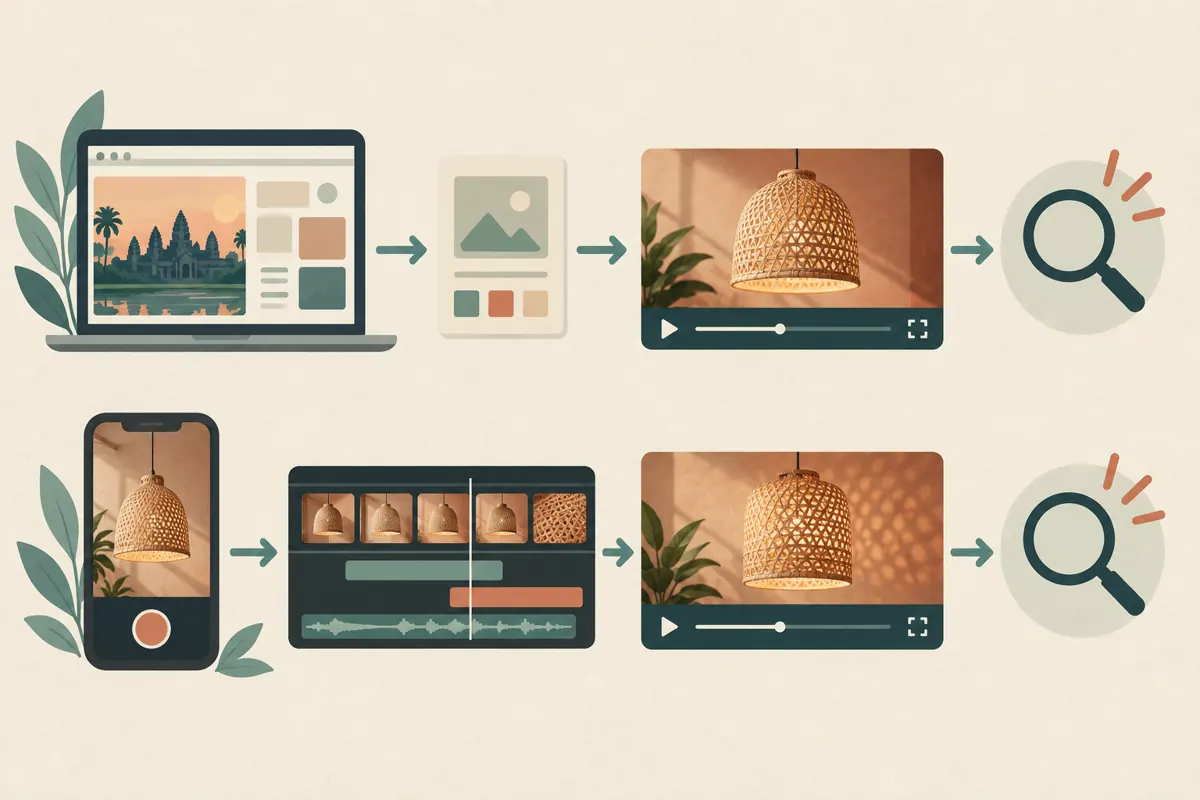
YouTube’s official upload-defaults guidance says the settings apply to uploads made through a browser at youtube.com/upload. Uploads through mobile or a video editor do not follow those defaults. A shop therefore needs to know whether its assistant uploads from a browser, a phone or editing software before relying on a shared configuration.
Write the route beside each planned video in the work list. A simple entry such as browser upload or phone upload is enough. For each route, nominate who checks the description and settings before release. The useful control is a named review responsibility: a colleague should not assume that another device has supplied the same information automatically.
3. Separate reusable shop information from product decisions
Create two short lists outside the public description. The reusable list can contain the workshop’s verified trading name, its ordinary enquiry method and a brief explanation of its work. The product list should contain the specific shade shown, fabric choice, fitting, dimensions, included items and fulfilment conditions. A statement belongs in the reusable list only when the owner can reasonably defend it across different uploads.
For example, a hypothetical reusable sentence might say, “Contact the workshop to discuss lampshade sizes and fabric options.” A product-specific sentence might say, “This video shows a fabric sample; the lamp base is used for display.” Neither example should be copied unless true for the business and video. Avoid turning a temporary convenience, such as weekend collection, into an enduring shop promise.
4. Build a short default and test its contents
The documented setup route is YouTube Studio, Settings, Upload defaults. Review Basic info and Advanced settings, then save the intended choices. YouTube lists privacy, title, tags, comments and language among the available defaults. Treat every selection as an initial value that still needs editorial judgement.
Keep the description default brief enough that a reviewer will read it completely. Do not insert a finished sales pitch merely to avoid blank space. Keep internal reminders in the work list instead of writing “insert collection date” into material that could reach viewers. Record who approved the reusable wording and when it should next be reviewed.
Use the next planned browser upload as a practical check before release. Compare the fields that appear with the approved note. If something unexpected is present, resolve it before distributing the video link. This check establishes what the team’s actual workflow produced.
5. Give each demonstration its own opening explanation
YouTube’s description guidance recommends using the opening lines to explain the video and giving each video a unique description. Apply that advice to the buyer’s immediate question. A lampshade demonstration might explain how a fitting attaches, how a fabric looks when illuminated, or what distinguishes a sample from a finished order. Choose the question the footage actually answers.
For a hypothetical fitting demonstration, an appropriate opening could explain that the video compares two fitting shapes and that customers should send a clear photograph of their existing fitting before requesting a quotation. Do not imply universal compatibility merely because both examples fit the workshop’s display equipment. Put reusable business information after the specific explanation so it does not obscure the purpose of the video.
For Cambodian buyers, confirm that the public wording uses the language the shop can support in enquiries. If Khmer and English versions are prepared, have a competent reviewer compare the inclusion and collection conditions in both. A fluent greeting does not compensate for a missing restriction.
6. Check the object, the offer and the next action
Review the video against three concrete questions. What object is shown? What exactly is being offered? What should the viewer do next? A filmed lamp can contain a shade, base, bulb and display accessories, while the workshop sells only the shade. The description should make that distinction clear wherever the presentation could otherwise create the wrong expectation.
Next, compare the promised action with the shop’s operational readiness. If collection requires an appointment, an invitation to visit immediately is unsuitable. If a custom order needs measurements, a generic request to send payment skips a necessary step. Ask a colleague to describe the offer after watching the video and reading its opening text. Correct any mismatch before adding promotional distribution.
7. Repair the reusable text and review affected videos
When an expired promise is discovered, treat the default wording and the existing videos as separate review tasks. Make a list of uploads that may contain the sentence, then prioritise those still being shared or generating enquiries. Do not assume that saving a new template has repaired the public record.
YouTube’s video-settings guidance explains that individual details can be edited through Studio: open Content, select the video’s title or thumbnail, change the relevant settings and save. Inspect the resulting description after the correction. Record the video reference, the inaccurate statement and the approved replacement so colleagues know what was addressed.
If the spoken demonstration itself makes the expired promise, changing only the description may leave a contradiction. Hold further promotion while deciding how to make the content understandable. Where a customer enquiry already relied on the old wording, answer that enquiry directly with the current conditions instead of expecting the person to discover the revision.

8. Put an evidence check before any SMM-panel request
A panel catalogue cannot establish whether the video’s offer is correct. Complete the product review first, then assess any proposed service separately. The supplied catalogue includes the exact public name “YouTube Social Shares from Twitter”. Its wording identifies a shares-related listing, but the supplied description is empty. It does not establish the delivery method, who would share, audience location or likely business outcome.
Before considering that listing, request a clear explanation of the method and intended destination. Do not infer Cambodian exposure, genuine interest, sales or official platform affiliation from the name. A panel status marked complete would describe an order record; it would not demonstrate that buyers understood which lampshade was available.
YouTube’s fake-engagement policy prohibits artificial increases in engagement metrics and warns that a hired promoter’s actions can affect the channel. Reject methods that violate those rules. If the method cannot be explained sufficiently to assess it, pause the request. Purchased engagement is not evidence of genuine interest, ad delivery, Cambodian users or sales. A reviewed video can still be shared through appropriate, permission-based business communications without purchasing an engagement service.
9. Avoid shortcuts that hide the original mistake
One common mistake is checking only the first sentence while an old delivery promise remains lower down. Another is copying the description from the most recent upload because it looks polished. That can reproduce an accessory inclusion or fabric availability statement that belongs to a different product. Read the entire description against the current item, including any reused closing paragraph.
A further mistake is treating every customer question as a promotion problem. Repeated questions about whether the base is included may indicate an unclear offer. More distribution would expose more people to the same ambiguity. Keep a small question log with the wording customers used, the relevant video and the clarification needed. Use it to improve explanations without presenting individual enquiries as representative market research.
10. Review defaults when business conditions change
Assign one person to maintain the reusable wording and another to check product-specific claims when staffing allows. Useful review triggers include a new collection arrangement, a changed contact method, a different ordering process or a colleague beginning to upload from another device. These events are more meaningful than changing text merely because a calendar reminder has appeared.
At the end of a promotion cycle, examine whether the video helped people ask answerable questions. Did enquiries identify the fitting? Did customers understand that a sample required production? Record those observations separately from platform counts and panel delivery records. The purpose of this workflow is an accurate, usable offer. It does not promise a particular level of reach, ranking, enquiries or revenue.

Frequently asked questions
Should a collection address be included in the default description?
Only if it is the correct public collection location and remains appropriate across the videos that use it. A workshop address may not be a staffed pickup counter. If visits require an appointment, state the actual arrangement clearly. Review the address when operations change, and avoid publishing a private production location simply because it appears on an internal order sheet.
What should the team do when a phone upload lacks the usual shop information?
Use the approved reusable note as a reference, add the information that genuinely applies, and review the complete result before release. Keep the product-specific explanation separate during preparation. Do not copy an entire older description to recover a missing contact sentence, because that can also import outdated availability or accessory claims.
Is a private starting visibility a complete approval process?
No. A visibility choice does not establish that someone checked the product, offer or wording. The shop still needs a named reviewer and a clear decision about when the video is ready. Record unresolved points in the work list, and do not interpret the presence of a finished thumbnail or description as approval.
Can the same description be used for different fabric colours?
Reuse only the parts that remain accurate. Check whether the footage represents an available fabric, a past commission or a demonstration sample. Colours may also look different under the filming light. Explain what the viewer is seeing and what must be confirmed during an enquiry, rather than implying that every displayed variation is ready to collect.
Does an SMM order marked complete mean the video is ready to sell from?
No. Review readiness against the actual product and current fulfilment arrangements. A completed order does not verify compatibility, stock, customer understanding or buyer location. If the description still contains an expired collection promise, fix that issue regardless of the order status, and assess the promotion method independently.
Explore the current service catalogue, create an account, or ask a specific question through support tickets.
- YouTube Help: Set default upload settings
- YouTube Help: Tips for video descriptions
- YouTube Help: Edit video settings
- YouTube Help: Fake engagement policy
Prepared with AI assistance. Illustrations explain the workflow and do not represent customer results.