
21/10/2026 16:24
Customer Preview or Public Sample? Telegram Story Audiences for Cambodian Cake-Topper Shops
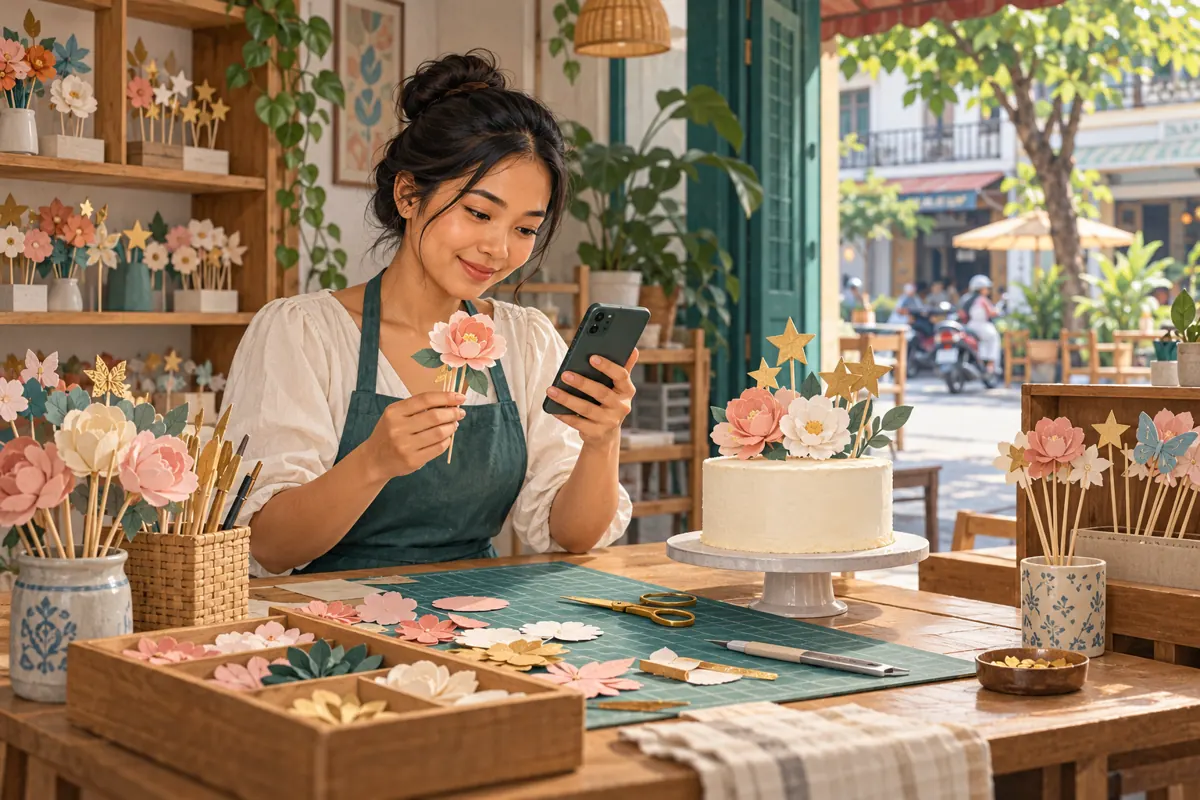
A cake-topper photograph can serve several purposes: checking a customer's preferred colour, showing a colleague a construction detail, or introducing a design to potential buyers. Those purposes need different audiences. A personalised birthday sample may reveal a name or surprise theme that does not belong in a public promotion. For Cambodian shops handling customer conversations and marketing through the same Telegram account, the important decision happens before posting: who should see this particular image, and what should they do next? This guide explains a practical workflow for Stories posted from an individual account used for business. It also shows where an SMM-panel review belongs, without treating purchased reactions as customer interest, design approval or sales.
1. Give each image one job
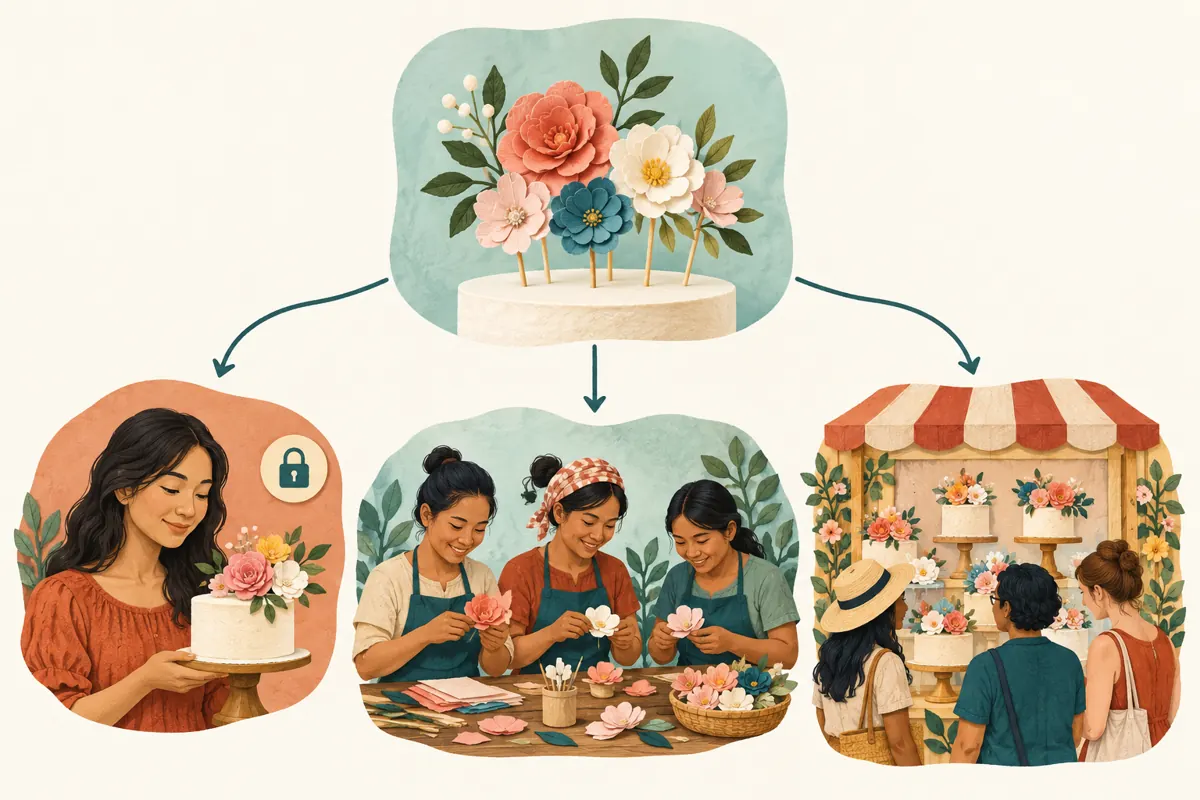
Before opening the Story composer, describe the image's purpose in one sentence. A customer preview asks someone to inspect a specific detail. A workshop update helps colleagues coordinate work. A public sample introduces an available product. If the sentence contains all three purposes, prepare separate versions. The photograph may be similar, but the information surrounding it should change.
Consider a hypothetical Phnom Penh cake-topper shop preparing a floral design for a birthday. The customer needs to check the name spelling and flower colour. A colleague needs to inspect the attachment method. Prospective buyers need to understand the material, approximate dimensions and ordering process. Sharing the same personalised photograph with everyone creates avoidable confusion. Separate images let the shop explain each task clearly and keep unfinished work out of its public catalogue.
2. Understand the audience choices before selecting one
Telegram documents four Story privacy choices: Everyone, My Contacts, Close Friends and Selected Contacts. It also supports audience exceptions. These controls concern who may view a Story; they do not establish permission to advertise a customer's design. Review the actual audience selection before posting. Telegram explains these options in its official [Stories announcement](https://telegram.org/blog/stories).
For a public sample, Everyone may fit the intended purpose once the image is suitable for public viewing. My Contacts requires more thought: a shop's contacts can include suppliers, former customers, relatives and delivery workers. Close Friends is a named audience feature, not automatically a staff list. Selected Contacts can suit a deliberately limited preview, but inspect the recipients individually. These are workflow recommendations for an individual account; do not assume that channel Stories have the same publishing controls.
3. Use a direct conversation when you need a decision
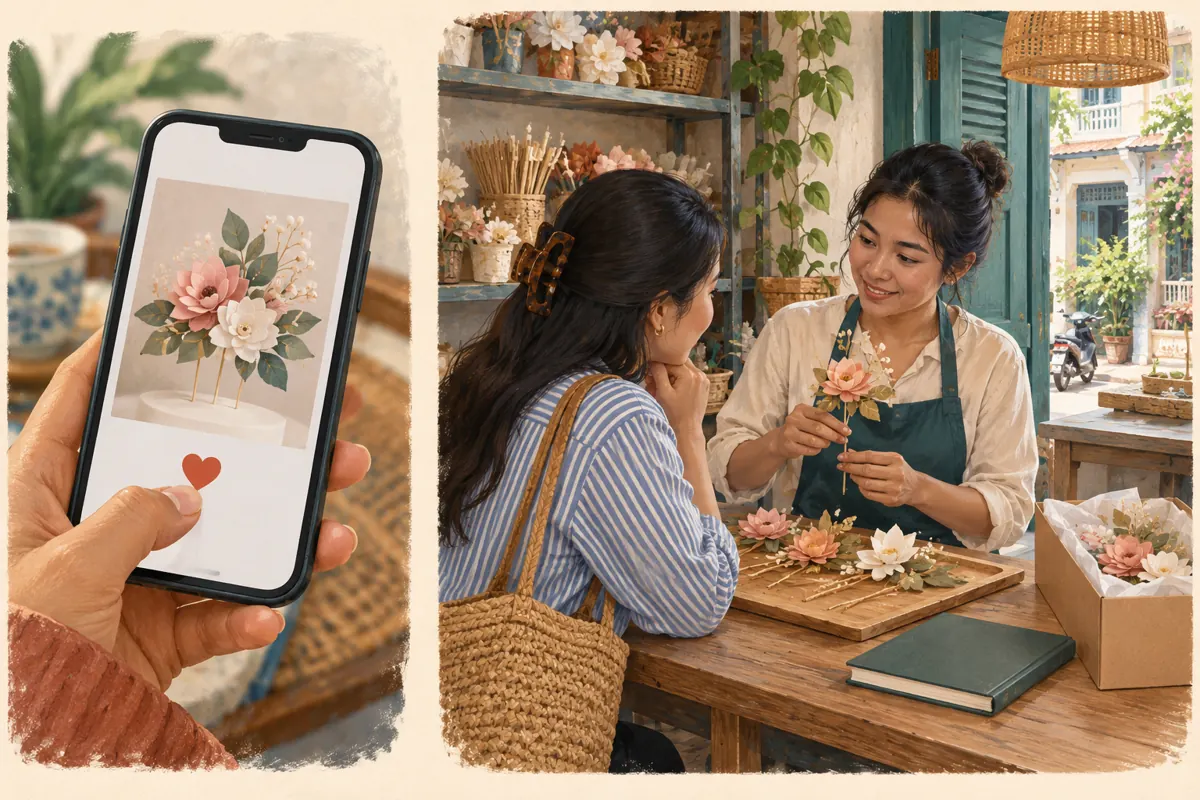
A restricted Story can show a small audience a work-in-progress image, but an order decision is easier to manage in the customer's existing conversation. Send the relevant version there and ask a concrete question: whether the spelling, colour or arrangement is approved. Keep the customer's answer beside the order details so another staff member can understand what was agreed.
In the hypothetical shop, a customer might enjoy a preview without noticing that one letter is wrong. A reaction does not tell the maker which details were checked. Ask for explicit confirmation of the exact design version before cutting or assembling it. If the customer requests a change, send the revised image and obtain a new answer. This keeps the approval process usable even when the promotional Story is no longer available.
4. Prepare a separate photograph for public promotion
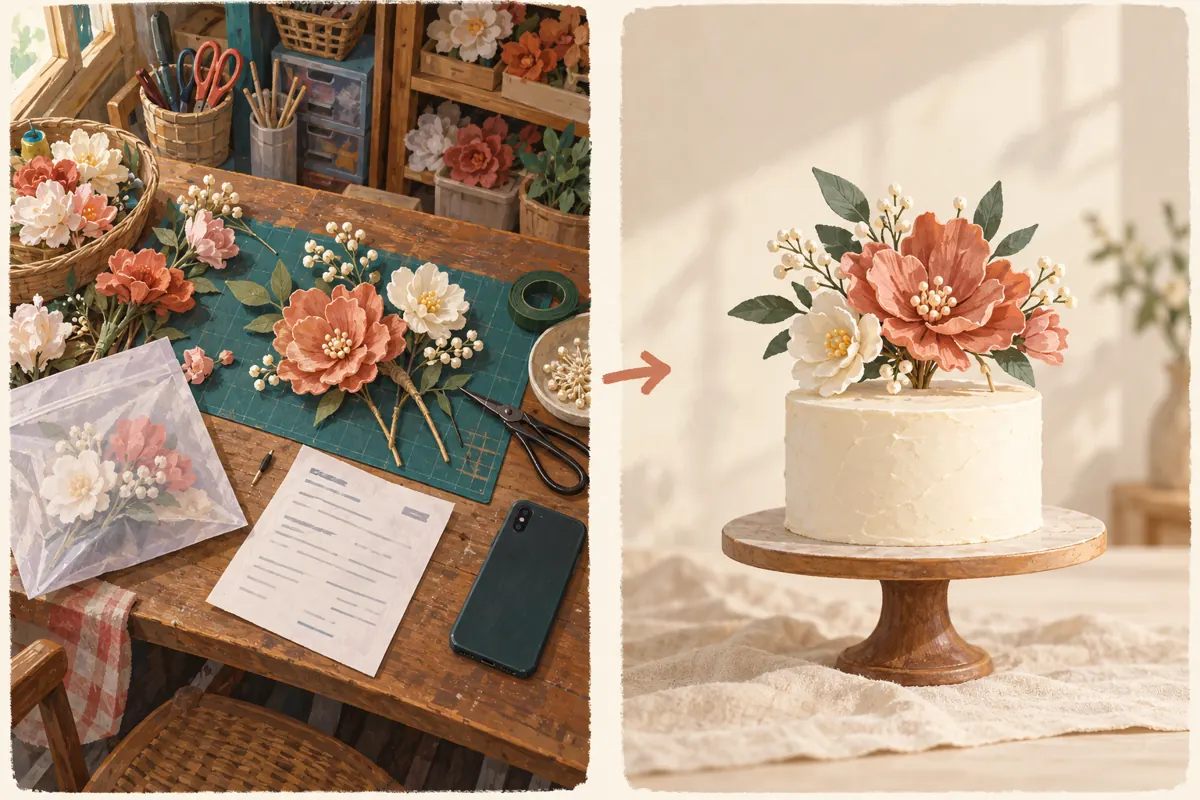
Start with the physical scene. Remove delivery slips, customer messages, payment references and unrelated orders from the table. Look beyond the topper itself: packaging, reflections and the edge of a notebook can reveal information. A neutral sample often makes a stronger public photograph because viewers can see the product without distractions. Use a generic decorative shape if personalised lettering is unnecessary.
Where customer work is involved, ask whether the shop may display that particular image publicly and respect the answer. Permission to produce an item is a different question from permission to feature it in marketing. If permission is unclear, photograph a shop-owned demonstration sample instead. For Cambodian readers, prepare the public explanation in the language customers actually use, while keeping model names and measurements consistent. Avoid presenting a sample cake as part of the purchase if only the topper is offered.
5. Run a short audience check at the posting screen
Check the account first, especially if the phone holds both personal and business accounts. Then inspect the selected photograph at full size. Read the caption alongside the image rather than as a separate piece of copy. Finally, open the audience controls and confirm the intended recipients and any exceptions. Do not rely on memory of the previous Story's settings.
For public promotion, the caption should explain what customers can enquire about. A hypothetical caption could say: Floral paper topper sample; cake excluded. Send your preferred colour, required date and pickup area for a quotation. Adjust every detail to the shop's actual offer. For a limited preview, describe the exact feature under review. Keep a brief internal note of the asset version, intended audience and reviewer, without copying the customer's personal information into a marketing spreadsheet.
6. Verify the published result and correct mistakes promptly
After posting, reopen the Story and check its image, caption and audience setting. Telegram allows an active Story's audience to be changed through its privacy controls. Profile Stories also have individual visibility settings. The official [Telegram Stories guide](https://telegram.org/tour/stories) explains how to manage these controls. Review any profile copy as part of the same task.
If a private preview was shared too broadly, restrict or remove it promptly and assess what information was exposed. Changing a setting cannot make someone forget an image already seen. If a customer is affected, explain the mistake directly and accurately. Conversely, if a public sample was unintentionally restricted, first confirm that the image really is ready for public viewing before widening access. An audience correction should follow the content decision, rather than substitute for it.
7. Decide whether an SMM service fits the actual task
The supplied angkorsmm.com catalogue includes the exact title “Telegram Story Reactions | ❤️ | [ Max 1M ] | Day 100K”. The title identifies a heart-reaction offering for Telegram Stories. Its description field is empty, so the brief does not establish supported Story types, access requirements, audience origin or delivery conditions. The quantity and speed wording belongs to the listing and should not be treated as independently verified performance.
If considering that listing, request the current written requirements before deciding whether to proceed. Check the accepted target format, applicable platform rules and whether the intended public Story is supported. A customer-only preview should remain limited to its intended audience; do not widen it to accommodate a service. Purchased engagement is not evidence of genuine interest, Cambodian users, sales or official advertising delivery. If the objective is design approval or qualified enquiries, a reaction service does not establish either outcome.
8. Keep service records separate from customer outcomes
Use separate records for content, any service request and customer activity. The content record identifies the public sample and its intended audience. A service record contains the selected listing, target and documented order status. The customer record contains genuine enquiries, agreed specifications and confirmed purchases. This separation prevents a completed panel order from being reported as a successful product launch.
Define a useful enquiry before evaluating a promotion. For this shop, it might be a person asking about a particular design and required date, with enough information for staff to prepare a quotation. Record unanswered questions too: repeated uncertainty about whether the cake is included suggests a caption problem. When someone identifies the Story as their source, note that statement without assuming every other enquiry came from it. Reaction totals alone cannot resolve attribution.
9. Avoid shortcuts that undermine the workflow
A common mistake is treating My Contacts as a carefully maintained customer segment. Review who belongs in the intended audience rather than assuming saved contacts share the same relationship with the shop. Another mistake is widening an old personalised preview because it is already edited nicely. Recreating a clean public sample can be simpler than checking every identifying detail in an image prepared for someone else.
Do not use a Story reaction as approval to begin production, or describe purchased reactions as happy customers. Avoid adding people to a limited audience merely because they once made an enquiry. Also resist spending time promoting an offer that staff cannot explain consistently. Confirm what is included, how customers request a quotation and who answers messages before considering additional promotion. Clear access and clear wording solve different problems; both need attention.
10. Apply the workflow to one hypothetical launch
Suppose the Phnom Penh shop wants to introduce a new flower arrangement after completing a private birthday order. The maker first confirms the customer's finished design in their conversation. For promotion, she builds a generic demonstration version without the customer's name. A colleague checks the photograph and verifies that the caption describes toppers only, with cake and delivery terms stated accurately.
The owner selects the intended public Story audience, publishes and checks the result. Staff answer questions using the same product information and record genuine enquiries separately. If someone proposes the catalogue's Story-reaction offering, the owner reviews its current requirements and business purpose before committing. The launch review asks whether viewers understood the offer and whether enquiries could be handled properly. Any panel delivery record remains a separate fact, not a substitute for those answers.
Frequently asked questions
Should I choose My Contacts for every business Story?
Choose it only when the actual contact audience fits the content. A business account can contain people with very different relationships to the shop. For a customer-specific preview, a direct conversation is often easier to manage. For a public sample, prepare content suitable for public viewing and select the audience deliberately.
Does a customer's heart reaction mean the design is approved?
No. It does not specify whether the customer checked spelling, dimensions, colour or the final arrangement. Ask for a clear answer about the exact version and keep it in the order conversation. If a revision changes an agreed detail, obtain confirmation again before production.
Can I make a private preview public after the event?
Review it as a new marketing asset. Confirm permission, remove personal information and check whether the caption still makes sense to strangers. The end of an event does not automatically make its personalised details appropriate for promotion. A fresh generic sample may communicate the product more clearly.
What if a panel service cannot access the selected Story?
Check the documented target requirements and ask support a focused compatibility question. Do not provide login credentials or expose a private customer preview to solve an access problem. If the service does not fit the intended content and audience, leave that request unsubmitted and use the content's normal enquiry route.
How should I describe results when purchased reactions were involved?
State the service activity separately from observed business outcomes. Describe genuine enquiries and confirmed orders only where your records support them. Do not label purchased engagement as customer satisfaction, Cambodian demand or advertising reach. If the available evidence cannot connect a sale to the Story, leave that connection unclaimed.
Explore the current service catalogue, create an account, or ask a specific question through support tickets.
Prepared with AI assistance. Illustrations explain the workflow and do not represent customer results.