
22/10/2026 17:41
Plays on YouTube but Not Your Website? Embed Checks for Cambodian Folding-Table Shops
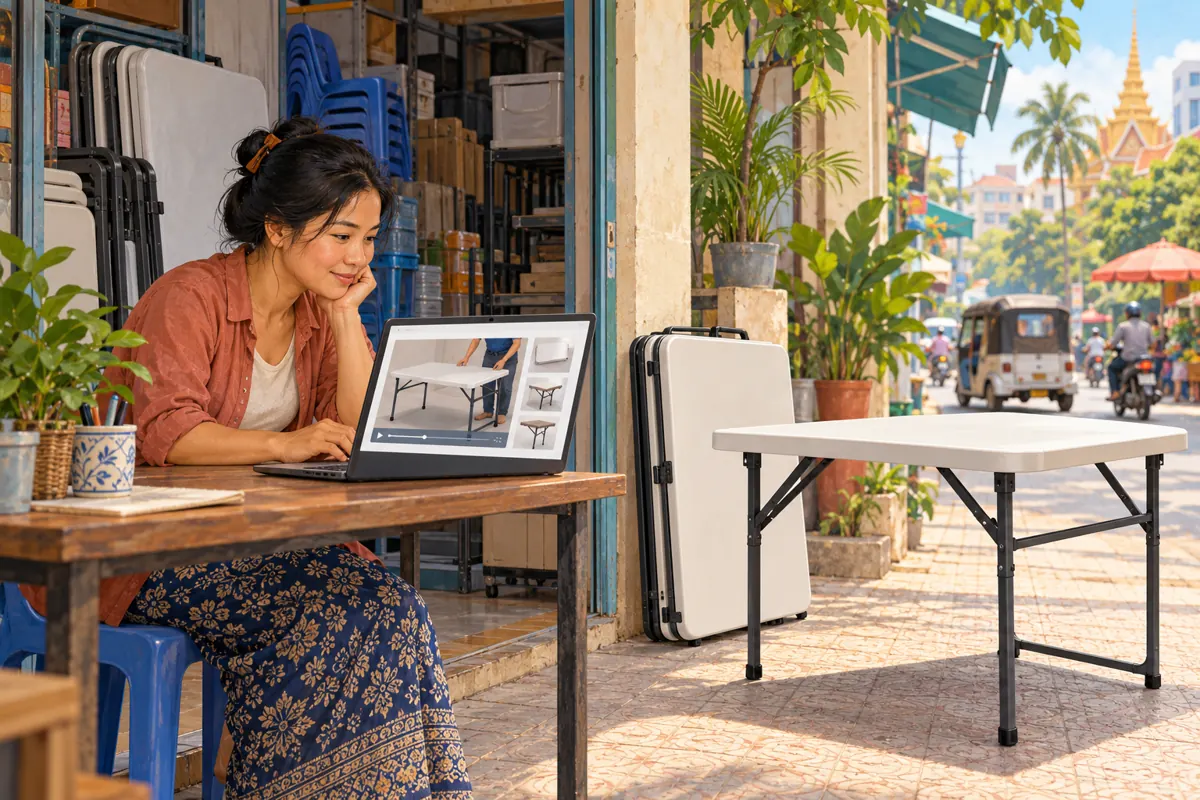
A folding-table demonstration can answer questions that product photographs leave open: how the legs unfold, where the brace sits, and how the table looks when stored. But a video that plays on YouTube may still cause confusion when customers encounter it on a shop website. Before promoting that page, check both the playback and the buying information around it. This guide uses a hypothetical Cambodian folding-table shop to explain a practical review process. It also shows where an SMM panel listing fits into the decision—and why a purchased engagement total cannot establish that the demonstration helped a customer.
1. Define the question the embedded demo should answer
Start with one customer question rather than a general ambition to get more views. For a folding-table shop, that question might be whether the table folds flat enough for a narrow storage area. Film the complete movement and show the resulting shape clearly. A sequence of attractive showroom shots may promote the product, but it does not necessarily resolve the storage question.
In this hypothetical example, a Phnom Penh shop sells two visually similar tables with different leg mechanisms. Its website has separate product pages, and staff want to place the appropriate demonstration on each page. Their acceptance criterion is straightforward: a visitor should identify the model, watch its folding sequence, and find the correct way to ask about availability. Write that criterion before asking a website editor or promotion provider to do any work.
2. Record the video address and the website address separately
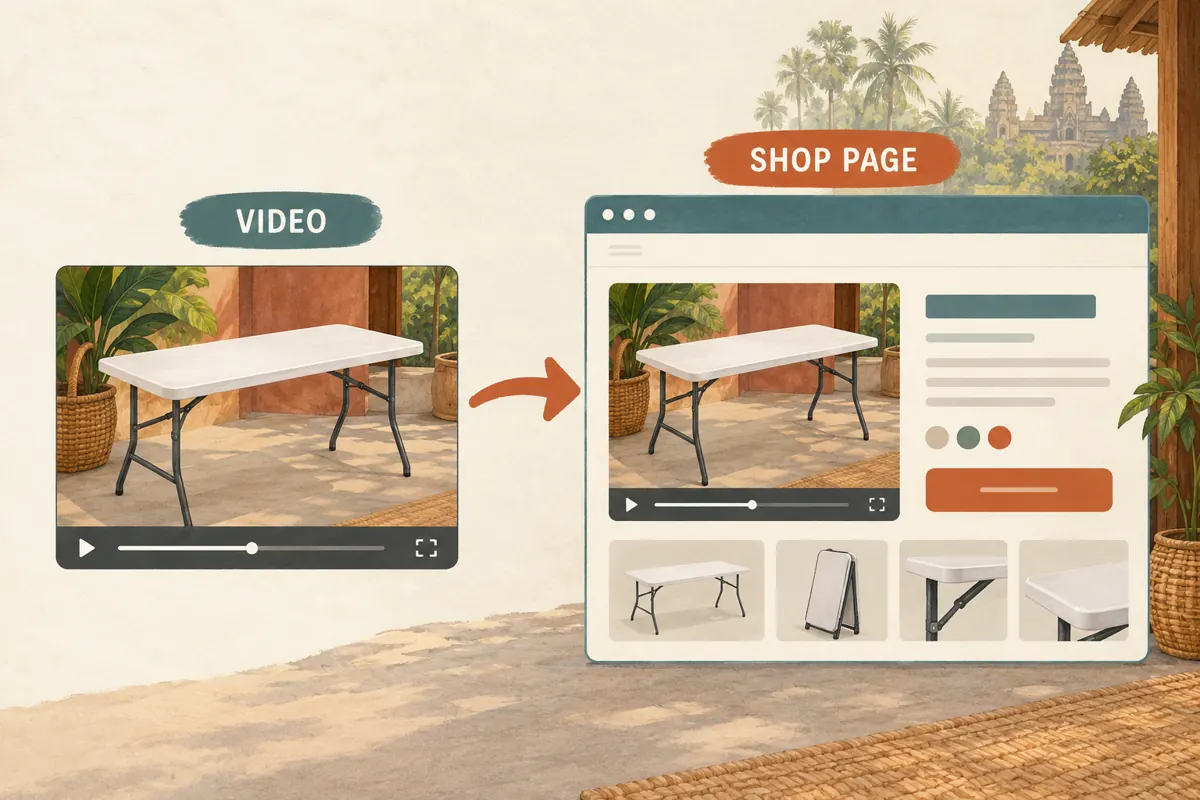
An embedded player appears within a larger page, so keep two references in the review record: the original YouTube video address and the product-page address. Add the shop's model reference beside both. This prevents a vague instruction such as “check the table link” from sending a colleague to the wrong destination.
Treat the surrounding page as part of the demonstration's context. A correct video beside the wrong product heading can still mislead a visitor. Compare the tabletop shape, leg arrangement, finish and storage position with the product photographs. If the demonstration uses a sample that differs from current stock, explain that difference beside the player. Do not expect viewers to infer it from a brief glimpse of the underside. Give the editor a clear decision: approve this pairing, correct the page, or obtain a more suitable demonstration.
3. Check the embedding control and prepare the handoff
YouTube's official embedding instructions use Share, then Embed, on a computer to obtain the player code. The uploader can disable embedding in YouTube Studio through Content, the video's Details, Show more, and the Allow embedding checkbox. Save changes. Confirm that this setting permits the intended use before the website editor investigates the page.
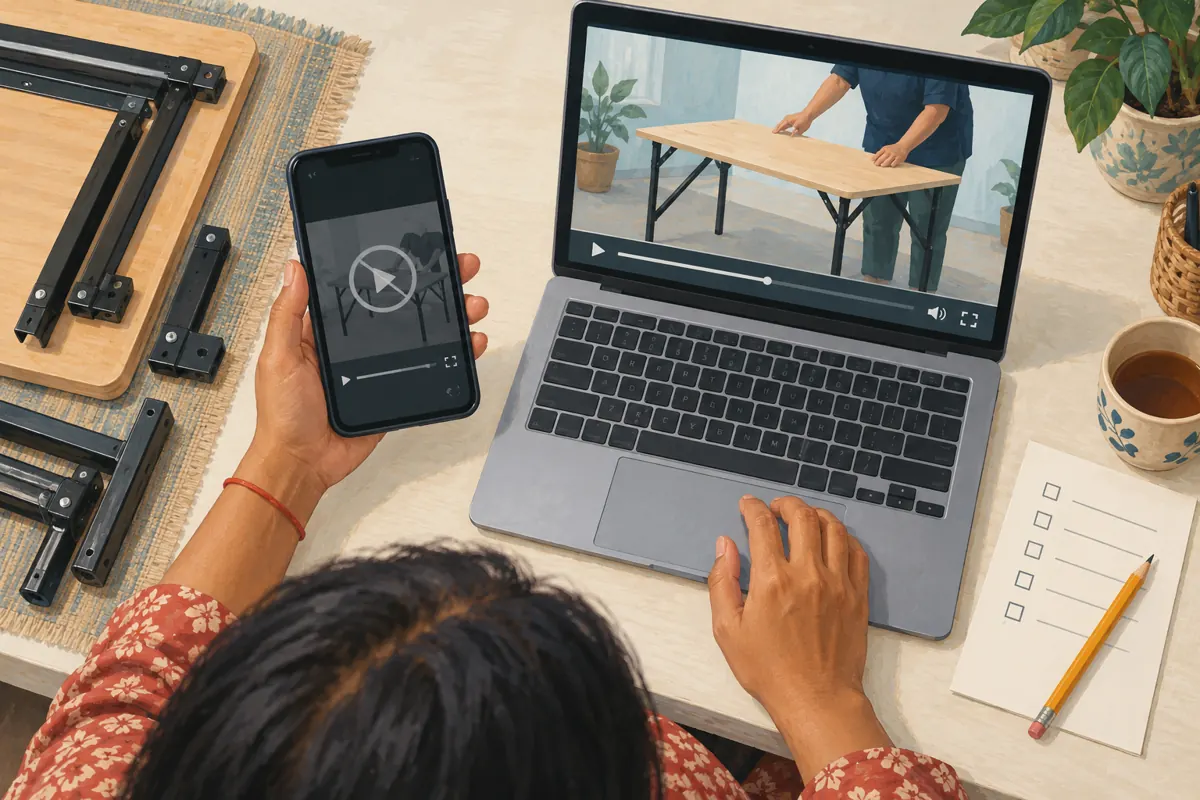
The shop's handoff should contain the approved video address, the destination page, the product reference and the intended position of the player. Ask the editor to return a page that staff can review in a browser. Avoid sending only a cropped screenshot: it cannot establish which video is connected to the player. Keep any implementation details in the editor's task notes, while customer-facing copy explains the table. The shop owner should be able to approve the result by inspecting the product and playing the demonstration, without needing to understand website code.
4. Test the actual customer route
Open the product page through the same route planned for promotion. If a social post will send visitors to a category page first, follow that route and select the table. Test on a phone as well as the device used to edit the website. Check whether the player remains visible, whether nearby buttons cover it, and whether the product heading is easy to find after watching.
Ask a colleague who did not build the page to try it. Give them the customer task—find how the table folds—without pointing to the answer. Observe where they hesitate. In the hypothetical shop, the reviewer might discover that an oversized banner pushes the demonstration far below the product information. That is a page-layout finding, not evidence that the video needs more engagement. Record the device, browser, page address and observed problem so the editor can reproduce it.
5. Separate playback faults from product-information faults
When playback fails, compare the product page with the original YouTube watch page. YouTube documents error 153 as blocked embedded playback associated with a missing HTTP Referer. Its guidance also warns that opening an embed address directly is not a valid substitute for testing it inside a webpage. Send that specific error to the website editor rather than guessing at a fix.
Describe other observations just as precisely: a blank area, a player that appears but will not start, or a video that plays the wrong model. These are different problems. If both destinations fail, record that too. If playback works but the closing shot hides the folding latch, the remedy belongs in the content review. A promotion order cannot repair either issue. Pause promotion of the affected page until the responsible person has corrected the problem and someone else has repeated the customer test.
6. Make the page useful even before someone presses play
Place a short explanation near the demonstration: what model it shows and what question it answers. Keep essential product information available as text rather than requiring every visitor to watch the entire video. For a Cambodian shop, useful details might include the stated measurement units, pickup location, and whether delivery availability must be confirmed for the buyer's area.
Choose language according to the shop's actual customers. A Khmer explanation can accompany genuine model names or packaging labels in another language, but staff should check that the terms refer to the same product. If prices appear, make the currency and included items explicit. Do not let a demonstration of a table-and-chair arrangement imply that chairs are included in a table-only offer. These details help visitors make an informed enquiry; they should come from the shop's confirmed information, not assumptions made by an editor.
7. Give partner placements their own review
A supplier or business partner may want to show the demonstration on another website. Review the proposed page context before agreeing to that promotional arrangement. Ask which product it will accompany, who will answer enquiries, and how the shop will be identified. A technical playback setting alone does not settle those editorial questions.
For the hypothetical table shop, an acceptable placement might explain the folding mechanism while directing availability questions to the correct seller. An unsuitable placement might describe the same footage as a test of a different table. Keep a small list of agreed placements and a contact for each page. When the product changes, that list helps staff request corrections. Avoid adding a partner placement merely to increase exposure if nobody can maintain the surrounding information or explain who is responsible for the offer.
8. Evaluate SMM listings without turning titles into evidence
The supplied angkorsmm.com catalogue includes the exact public service name “YouTube Like ~ Max 100k ~ 50k/days ~ Instant ~ 𝐍𝐎 𝗥𝗘𝗙𝗜𝗟𝗟”. Its category concerns YouTube likes, but the supplied description is empty. The listing title is not independent evidence of delivery speed, account authenticity, policy compliance or commercial results. It also provides no basis for claiming that recipients are Cambodian buyers.
YouTube prohibits artificial increases in engagement metrics and warns that a hired promoter's methods can affect the channel. Review the method before considering an order; decline services that artificially inflate engagement. Purchased engagement does not demonstrate genuine interest, sales, ad delivery or Cambodian audience origin. If the immediate goal is reliable website playback, a likes listing does not address it. A sensible next step may be improving the demonstration, correcting the page, or distributing the useful guide through the shop's established customer channels.
9. Keep three kinds of evidence apart
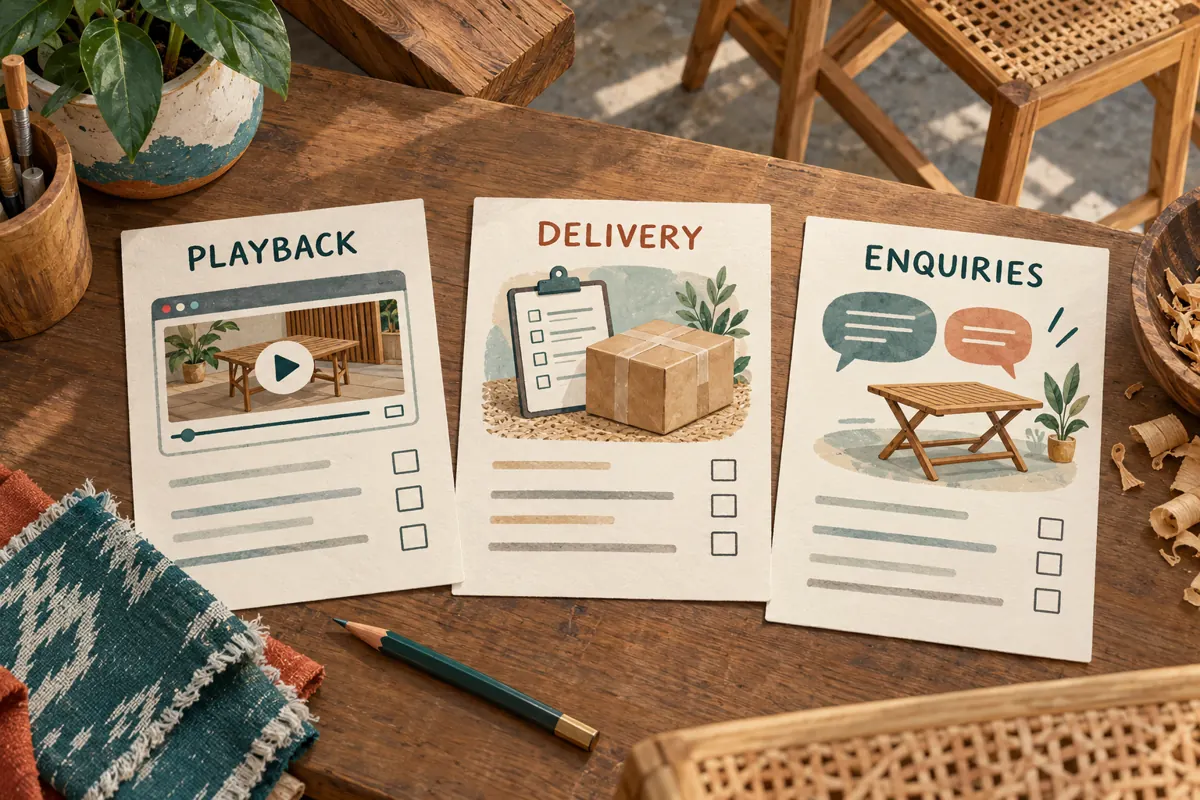
Maintain separate notes for playback checks, any promotion delivery records, and genuine product enquiries. A playback note describes whether the selected page worked during a particular test. A delivery record describes what a provider reported about an order. An enquiry record describes what a person actually asked. None automatically proves the others.
For example, a hypothetical customer might ask whether the folded table fits beside a particular cupboard. That question can guide a clearer storage photograph, but it does not establish which promotional activity caused the enquiry. If the customer voluntarily identifies the page they used, record that context without overstating attribution. Avoid presenting a rise in likes as proof that the embedded player worked. Equally, a successful browser test does not establish that visitors understood the mechanism. Each conclusion needs evidence suited to the question.
10. Avoid changes that create fresh uncertainty
Common mistakes include replacing a video without checking its product-page placement, approving a desktop screenshot without trying playback, and sending the wrong address to support. Another is repeatedly refreshing the page and calling those attempts a useful audience test. Staff testing can diagnose usability; it should not be presented as customer demand.
Assign one person to maintain the page reference and one person to review the result. After a product or video change, repeat the short comparison: model, footage, surrounding explanation and enquiry route. If a problem requires a temporary workaround, use a clear text explanation and an appropriate direct video link while the editor investigates. Keep the workaround visible to the team so it does not become an unnoticed permanent arrangement. A small, documented correction is easier to assess than several simultaneous changes with no record of what resolved the issue.
Frequently asked questions
Should we promote the YouTube video or the product page?
Choose according to the task. If the message promises a product guide with availability information, the reviewed product page may be the appropriate destination. If it promises only a demonstration, the video may be sufficient. Test the complete route and ensure the destination delivers what the social post says.
Does a working video on the owner's laptop mean the page is ready?
It confirms only that particular test. Ask another person to follow the intended customer route on a phone and check the product context as well as playback. The goal is to uncover practical obstacles, not to claim that a small internal test represents every customer's device or connection.
Can buying likes solve an embedded-player error?
No. Likes do not correct the player configuration, the page layout or a mismatched product video. Diagnose the observed fault and assign it to the website editor or content owner. Review any separate promotion proposal against YouTube's policies rather than treating an engagement purchase as technical support.
What should staff send when reporting a playback problem?
Send both addresses, the device and browser, the exact visible error, and whether the original video plays. Include a screenshot only if it helps show the fault, with private information removed. State the expected result clearly: the specified table demonstration should play within the specified product page.
How do we know whether the demonstration is useful?
Ask reviewers to complete the intended task and listen to genuine customer questions. If people still cannot identify the folded shape or latch position, improve that explanation. Keep observations specific and acknowledge uncertainty about attribution. Neither an engagement total nor a provider's completion notice establishes comprehension or a sale.
Explore the current service catalogue, create an account, or ask a specific question through support tickets.
Prepared with AI assistance. Illustrations explain the workflow and do not represent customer results.