
22/10/2026 08:25
Live Lesson or Shareable Replay? Telegram Recording for Cambodian Basket Workshops
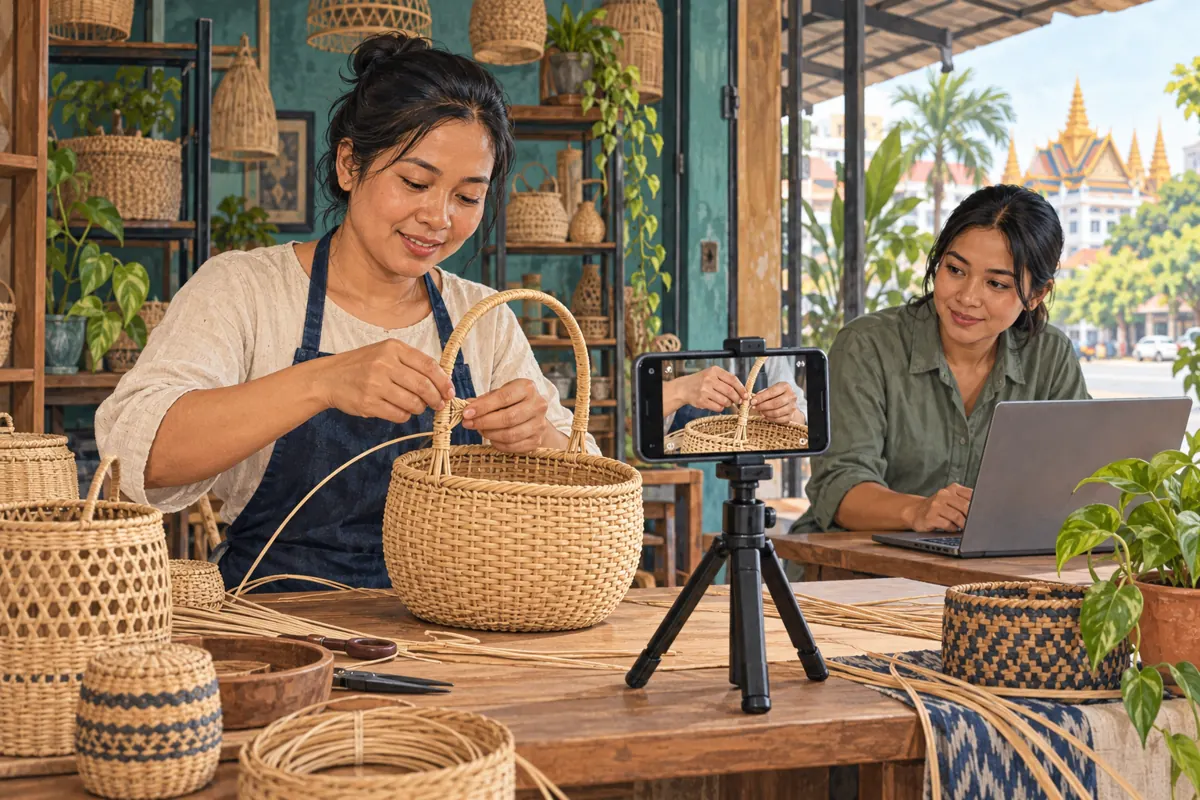
A live basket-making demonstration can answer questions while the maker works. Its recording has a different job: helping someone understand the same technique later, without the surrounding conversation. For a Cambodian workshop promoting classes or handmade products through Telegram, that difference matters. A replay may preserve an unclear hand movement, an expired invitation or a participant’s personal details just as faithfully as it preserves useful instruction. Before directing attention to it, decide what deserves to become a lasting public resource. This guide follows a hypothetical Phnom Penh basket workshop demonstrating how a handle attaches to a woven rim. The workflow covers preparation, recording, review and promotion, with a clear boundary between service delivery records and evidence of actual customer interest.
1. Give the replay one clear purpose
Start with a question that the finished recording should answer. For the hypothetical workshop, use: “How does this handle connect to this basket rim?” That is narrower and easier to demonstrate than a general tour of basket making. Decide whether the intended viewer is a prospective student, a retail buyer comparing construction or an existing customer asking about care. Each audience needs a different explanation and next step.
Write a short acceptance note before filming: the connection is visible, the maker explains which sample is being shown, and the closing message tells viewers how to ask about the relevant workshop or product. Avoid turning a demonstration into an unsupported strength claim. Showing a binding method does not establish a weight rating. Keep any teaching claims within what the maker can actually explain and demonstrate.
2. Decide what should remain live only
Separate the reusable demonstration from the informal conversation. A maker may be comfortable publishing their technique but prefer to keep questions about a custom commission out of the replay. Tell participants beforehand what you intend to record and where the reviewed version may appear. Offer a way to ask private questions separately. This is especially useful when someone wants to describe an order, give a telephone number or explain collection arrangements.
In the hypothetical session, the host records the planned handle demonstration and leaves individual order discussions outside that segment. A moderator can restate a general question without naming its author: “Can this attachment be used on a different rim?” Agree on this division with the presenter before going live. If a private detail still enters the recording, flag the moment for review rather than assuming viewers will overlook it.
3. Choose video when the explanation depends on movement
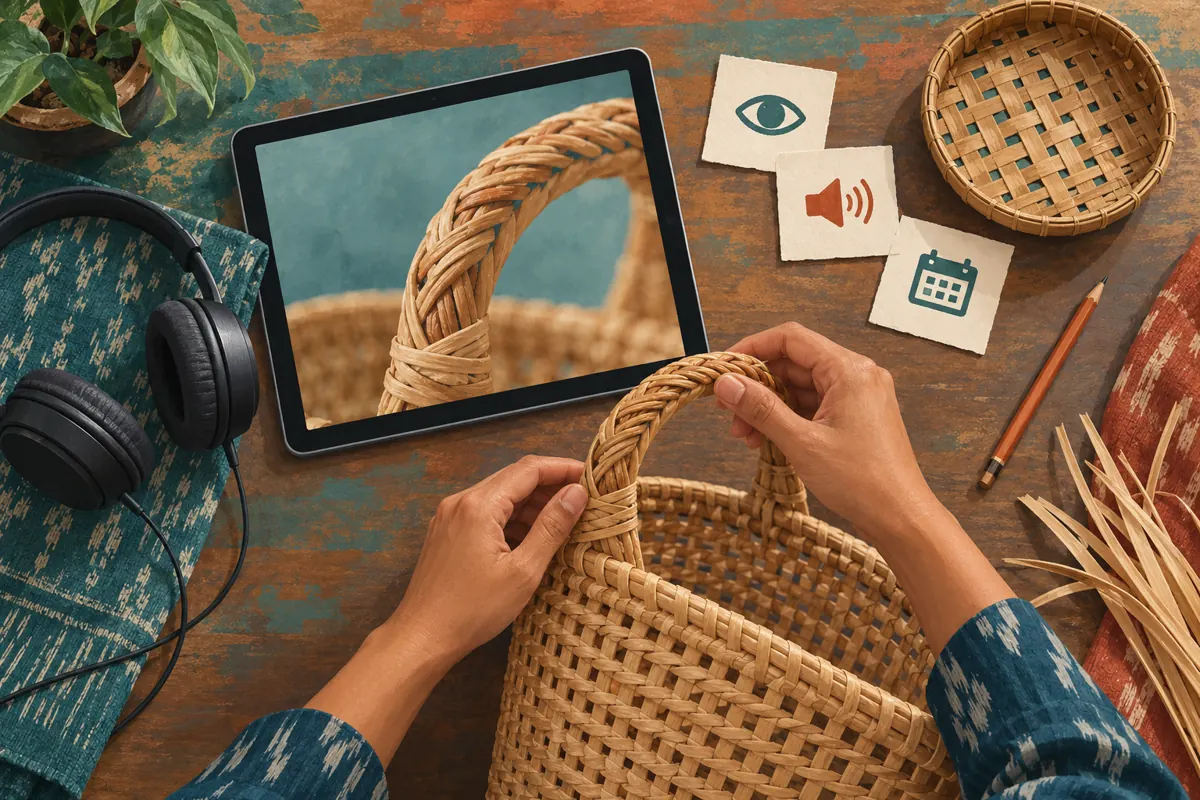
Telegram’s official recording guide describes options for video with audio or audio alone, plus portrait or landscape orientation for video. Choose according to the lesson. Audio can preserve a discussion about workshop preparation, but a handle-binding demonstration depends on seeing where the material passes. A spoken instruction such as “take it underneath here” becomes ambiguous when the referenced point is invisible.
For a wide basket, frame the rim and both hands together before choosing the recording orientation. Test the smallest detail that matters, rather than judging the picture only by how attractive the full basket looks. Have a colleague view a short rehearsal on an ordinary phone. Ask them to identify where the binding enters and exits. If they cannot, move the camera or simplify the demonstration before recording the public session.
4. Rehearse the recording controls with the responsible admin
Telegram documents starting recording from the live stream or video chat menu, accessed through the three-dot control. It also describes a red dot beside the broadcast title while recording. Have the responsible admin locate these controls in the app they will actually use. Do not leave that discovery until the presenter has already begun the essential step. Interface wording may differ between devices.
Assign separate responsibilities if staffing allows: the maker demonstrates, while a colleague manages recording and watches the framing. In a small rehearsal, begin recording, say a distinctive opening sentence, show a simple movement and stop. Check the resulting file before announcing a replay. This verifies the team’s complete process, including sound and retrieval, instead of merely confirming that a menu option exists.
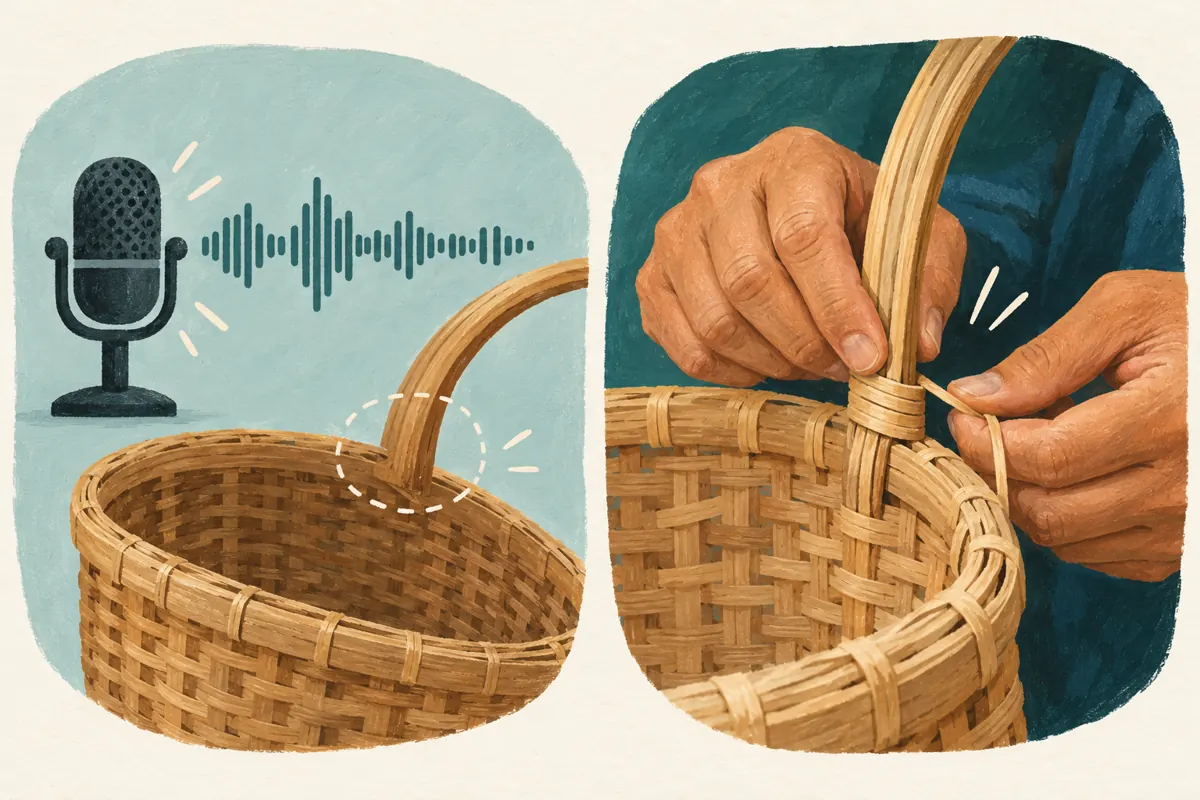
5. Narrate for someone who was not in the room
Build the demonstration around a visible starting condition, a complete action and a finished connection. Identify the sample and show the relevant surfaces before covering them with your hands. Explain the reason for each important movement. “This strip passes around the rim before returning to the handle” is more reusable than “do this again.” Pause briefly after the movement so a viewer can inspect the result.
Use the language your intended customers understand. For a Khmer-speaking audience, prepare the explanation in Khmer and review any translated supporting summary with someone familiar with the craft. Keep names for the handle, rim and binding consistent. If the live session includes both Khmer and English, make the transition explicit and repeat the essential instruction accurately. A bilingual recording should not leave one audience with a shortened or materially different explanation.
6. Retrieve the recording without treating it as approved
Telegram says completed recordings are sent to Saved Messages; its current group-call documentation also confirms that destination for stopped recordings. Retrieval and publication are separate steps. The admin who receives the file should tell the reviewer which recording belongs to the demonstration, especially if the team made several tests. Use an internal note identifying the session date, sample and intended public use.
Watch the opening, the full attachment sequence and the ending, then review the remaining material for interruptions or disclosures. Check that the presenter’s explanation matches the movement on screen. If the decisive step is hidden, record a clearly introduced supplementary close-up or remake the demonstration. Do not splice unrelated footage into the sequence in a way that suggests an uninterrupted process. Preserve enough context for viewers to understand what was changed.
7. Review promises as carefully as picture and sound
A technically clear replay can still contain stale information. Listen for phrases such as “come tomorrow,” “the remaining places” or “this colour is available.” Replace these with current context in the accompanying explanation, or remove the affected passage before sharing when appropriate. If the spoken statement would still mislead viewers, a discreet caption may not be enough. Choose a clean recording over a confusing qualification.
In a hypothetical example, the maker mentions an upcoming weekend class during the demonstration, but the replay is prepared after that class ends. The workshop can publish a reviewed technique segment and invite viewers to ask about future sessions. It should not imply that the original places remain available. Likewise, distinguish the sample shown from current sale stock: an example basket is not automatically an item ready for collection.
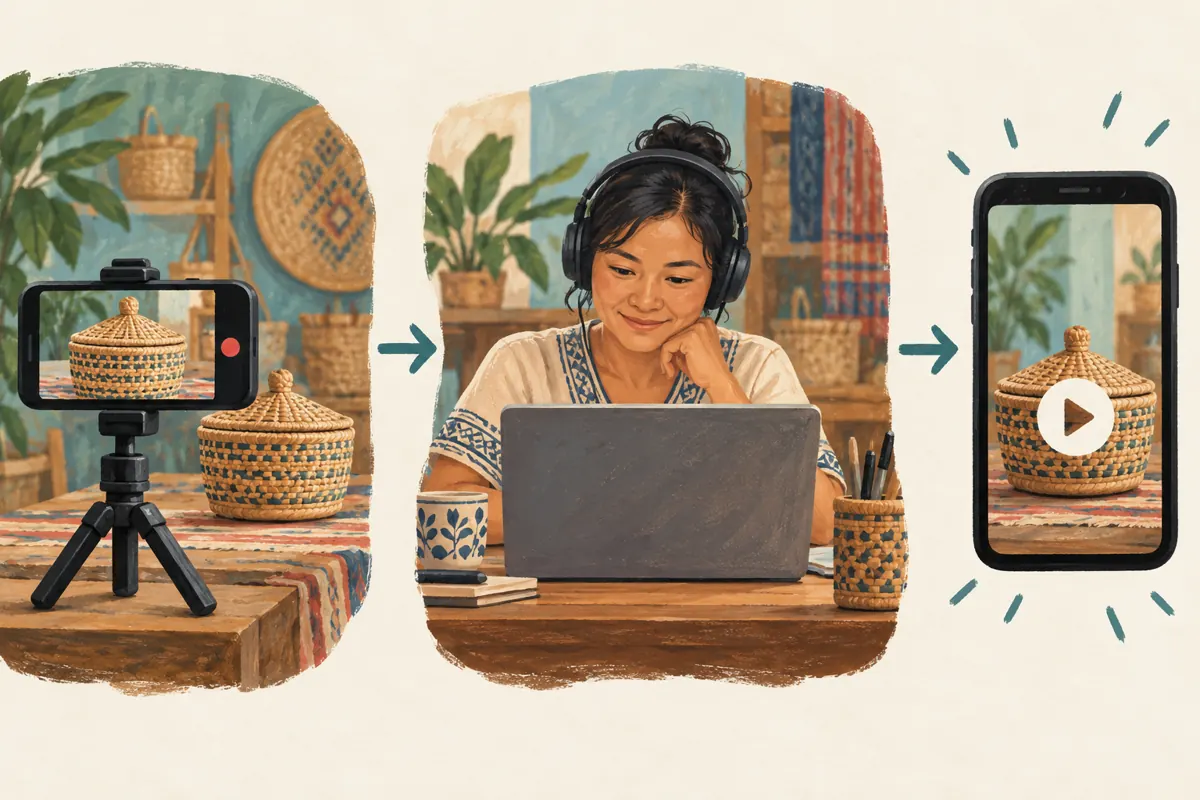
8. Publish a replay with a useful next step
Label the shared material as a recording and identify what it demonstrates. A hypothetical accompanying message could say: “Recorded handle-attachment demonstration using our round sample basket. Watch how the binding passes around the rim. Message the workshop about current class dates or the basket style you need.” Adapt the wording to the actual offer and audience language. Avoid claiming that watching the video qualifies someone to perform every variation.
Before promoting the post, have a colleague open the destination through the route intended customers will use. Ask whether the recording plays, whether the key detail is understandable and whether the enquiry route is obvious. Keep the next step proportionate: asking about a class should not require a buyer to publicly disclose their address. If the offer changes later, review the replay’s surrounding message as part of normal content upkeep.
9. Check service relevance before spending on promotion
An SMM-panel listing cannot establish that a recording is useful or that viewers want a workshop place. The supplied public catalogue includes the exact title “Telegram Premium 3 Month,” but its description is empty. That title does not document a recording service, replay editing, audience targeting or promotion delivery. Do not buy it on the assumption that it performs any of those tasks. Ask for current written terms if evaluating the listing for its stated product.
For any proposed service, identify the intended destination and documented deliverable before considering an order. If neither matches the reviewed replay, stop the purchase decision there. Purchased engagement is not evidence of genuine interest, sales, advertising delivery or Cambodian users. Keep panel order references separate from enquiries about basket styles and classes. Never describe a service count as a number of prospective students, or suggest that the panel has an official Telegram affiliation without evidence.
10. Use genuine questions to improve the next session
After sharing, record the questions that reveal whether the explanation worked. A viewer asking which side of the rim receives the binding identifies a teaching gap. Someone requesting current class dates has made an enquiry, but has not yet booked. Someone confirming a place through the workshop’s normal process provides a different kind of evidence. Keep those stages distinct in the team’s notes.
Avoid the common mistake of responding to a weak replay by simply directing more attention toward it. Review the confusing passage first. Another mistake is leaving the raw recording unlabelled among test files, then sending the wrong version to a customer. Give the approved version a clear internal identity and nominate one person to maintain its public context. The next demonstration should improve one specific issue, such as camera placement or naming the material, rather than adding unrelated content.
Frequently asked questions
Should the workshop publish the entire live session?
Only if the complete session remains useful and appropriate for the intended audience. Waiting time, unrelated questions and individual order discussions can make a replay difficult to follow. Review the whole file before deciding. If you publish an edited version, describe it honestly as a reviewed or shortened recording and preserve the explanation needed to understand the technique.
What if the important handle movement was not captured?
Do not present the recording as a complete demonstration. Film a supplementary close-up with a clear introduction, or remake the sequence. Check that the sample, materials and explanation match. If the missing movement changes how viewers interpret the process, a fresh demonstration is usually clearer than asking them to infer it from a written note.
Can a useful replay be made without showing participants?
Plan the camera around the maker’s hands and the sample, and have the moderator restate general questions without identifying customers. Still review both audio and video: a name or private order detail can be spoken even when nobody appears on camera. Tell contributors how their contributions may be reused before including them in a public recording.
How should the team judge whether the replay helps promotion?
Look for evidence tied to its purpose: fewer repeated clarification questions, enquiries that refer to the demonstrated technique, or customers reaching the correct booking process. These observations do not prove the video caused a sale. Record what the customer actually said and keep uncertainty visible. Panel delivery records and public engagement counters cannot substitute for that evidence.
What should happen when recording controls or the file cannot be found?
Have the responsible admin check the session type, available permissions and current official guidance for the app being used. Repeat a small rehearsal before promising another replay. If no usable file can be located, tell customers the recording is unavailable and prepare a new demonstration. Never represent an unverified recording as ready to watch.
Explore the current service catalogue, create an account, or ask a specific question through support tickets.
- Telegram: Chat Themes, Interactive Emoji, Read Receipts in Groups and Live Stream Recording
- Telegram: Group Calls — Video Chats, Live Streams and Recording
Prepared with AI assistance. Illustrations explain the workflow and do not represent customer results.